Connect Limo Anywhere to SantaCruz and Livery Coach
Exchange affiliate trips through a more connected workflow—with real-time status updates, GPS visibility, driver and vehicle information, and final closeout charges transmitted when the ride is complete.
Get Help With GroundXchange
Tell us about your operation and what you need help with. A Limo Anywhere team member will review your request.
Affiliate work should not stop at forwarding a reservation
GroundXchange helps carry the operational information that matters after a trip is sent, reducing fragmented communication and giving dispatch, operations, and billing teams a more complete workflow.
Better Dispatch Visibility
Receive ride progression, driver details, vehicle information, and GPS-related visibility for affiliate-executed trips.
More Connected Operations
Support new, change, and cancel activity through the integration instead of relying on disconnected handoffs and manual updates.
Smoother Billing Closeout
Bring final trip-cost information back through the workflow so your team can invoice faster with less reconciliation.
One affiliate workflow across three platforms
GroundXchange helps operators on Limo Anywhere, SantaCruz, and Livery Coach exchange affiliate work electronically while keeping reservation updates, ride statuses, driver and vehicle details, GPS visibility, and closeout information connected.
- Send trips from Limo Anywhere to connected operators
- Receive connected affiliate trips directly into Limo Anywhere
- Transmit status updates and ride information dynamically
- Support more consistent dispatch, customer communication, and closeout
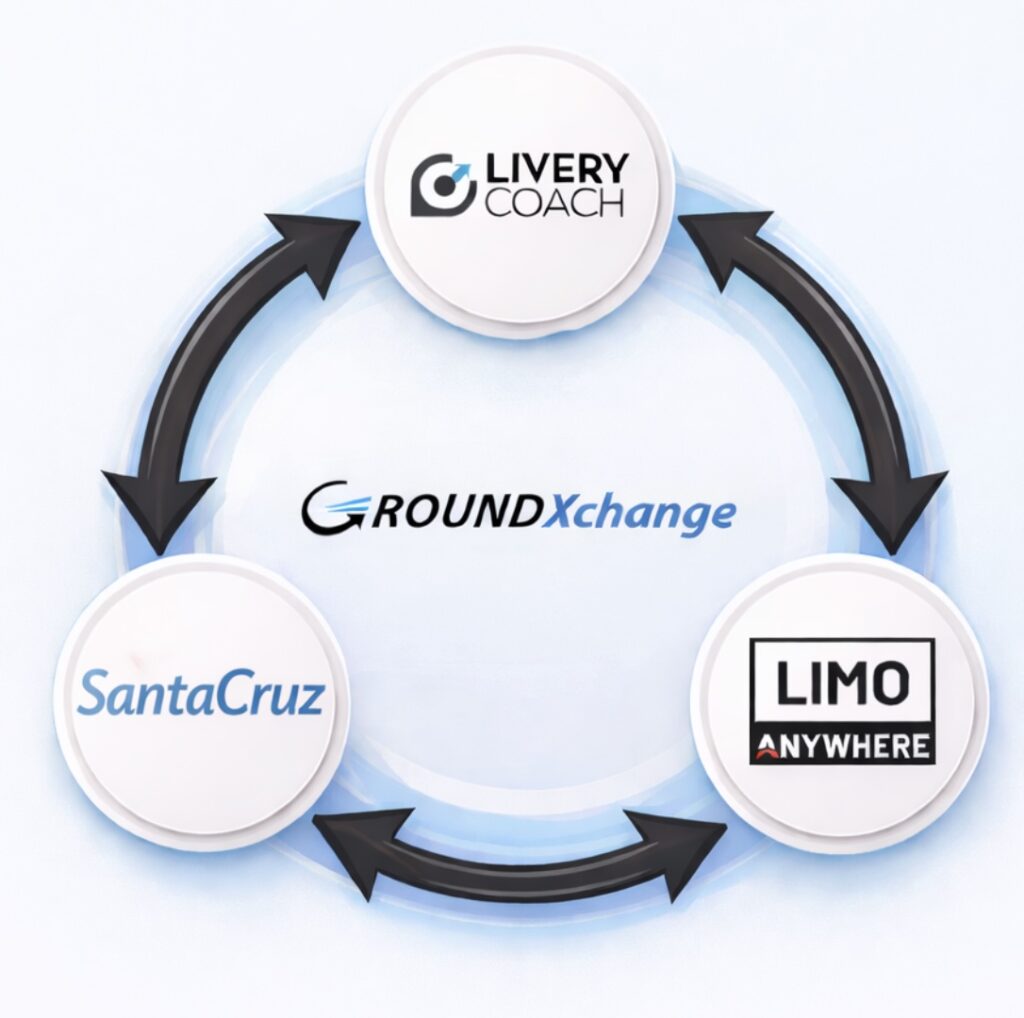
From reservation to closeout in one connected workflow
The integration helps your team follow more of the affiliate ride lifecycle without stitching together separate emails, calls, and manual updates.
Trip is exchanged
Send a reservation to a connected affiliate or receive one directly into Limo Anywhere.
Updates flow
New, change, cancel, and ride-progression information moves through the integration.
Teams gain trip visibility
Driver, vehicle, ride-status, and GPS-related information improves visibility while the trip is active.
Costs return
Final closeout information supports faster billing and less manual reconciliation.
Start directly inside Limo Anywhere
Begin the GroundXchange self-onboarding process from your Limo Anywhere account. Submit your registration, accept the Terms & Conditions, confirm your application, and complete all five mappings after approval.
From the operator portal, go to Addons > GroundXchange.
Select Register for GX, complete all required organization details, and click Submit.
Review and accept the GroundXchange Terms & Conditions in the separate browser tab that opens.
When the registration form reopens, verify the information and confirm your application.
Wait for the GroundXchange team to review your application and send the approval email.
After GroundXchange is enabled, complete every required mapping so the integration can exchange information correctly.
- Service Types
- Rate Mappings
- Payment Methods
- Vehicle Types
- Statuses

Build a cleaner affiliate workflow with GroundXchange
Get help with setup, registration, mappings, or connected affiliate workflows from the Limo Anywhere team.