LIMO ANYWHERE / LQC PRODUCT GUIDE
Help each inquiry move forward.
See how website questions become quotes, when your team steps in, and how to measure the bookings that follow.
- Website conversations
- Your pricing
- Team handoff
A TYPICAL CUSTOMER JOURNEY
Illustrated workflow. Paths depend on your setup.
A visitor arrives on your website after dinner to price an airport transfer. An executive assistant is comparing transportation for an upcoming business trip. An event planner wants to know whether your company can handle a more complicated itinerary.
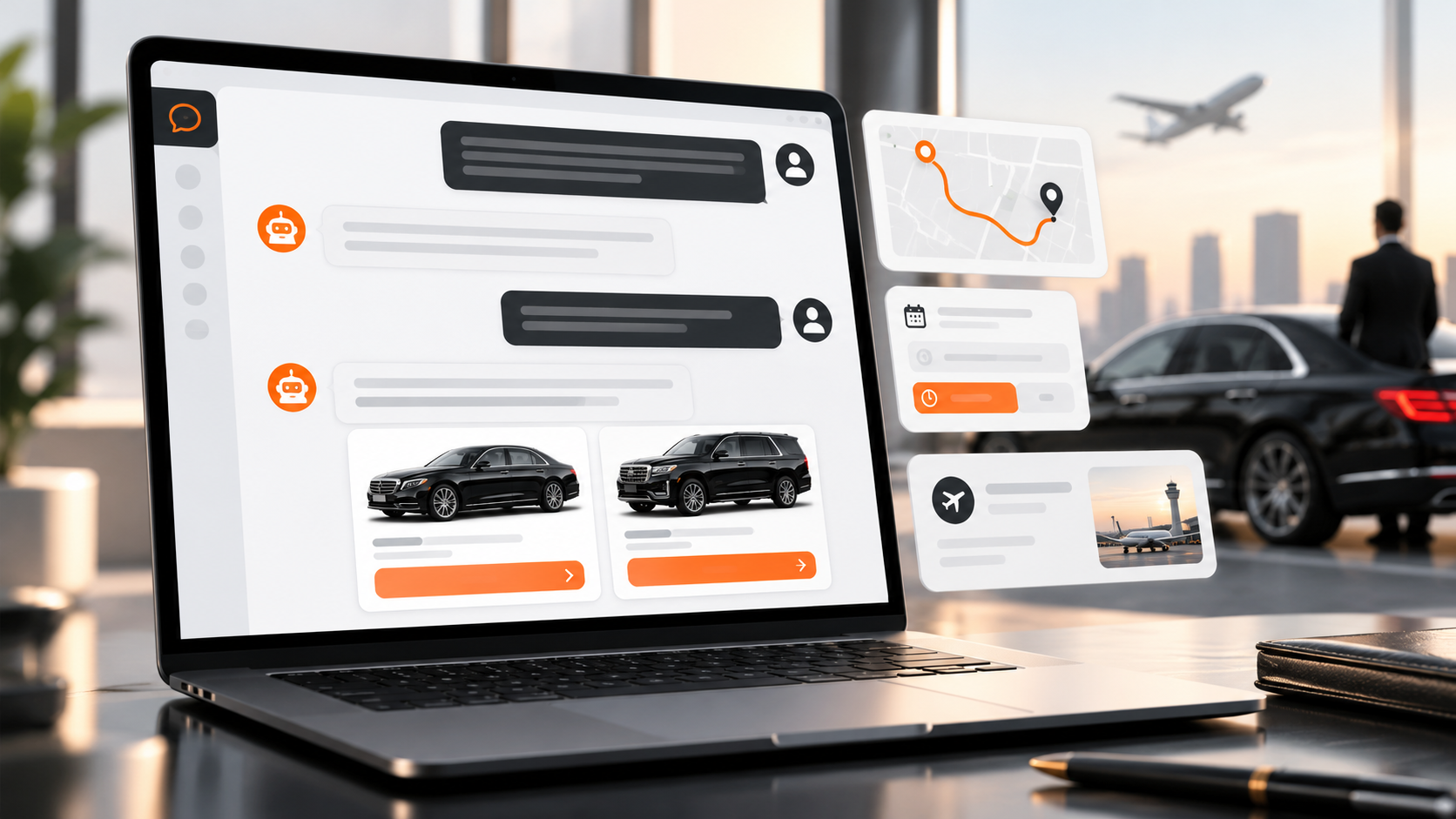
Each visitor needs a useful next step while they are considering your service. The LQC AI Sales Agent gives customers a way to ask questions, receive quotes, and move toward a reservation through a conversation on your website.
What has changed since our original introduction?
Since we introduced the LQC AI Sales Agent, updates have refined round-trip quoting, added controls for routing selected inquiries to your team, and made bookings attributed to the chatbot easier to identify in LQC reporting. Here is how the experience works and where it can help your transportation business.
- More control over staff handoffs. Choose keywords, a group-size threshold, and the message customers see when a request should reach your team. July release details.
- A more consistent quoting conversation. Updates address round trips, price questions, and follow-up questions during the quote. October release details.
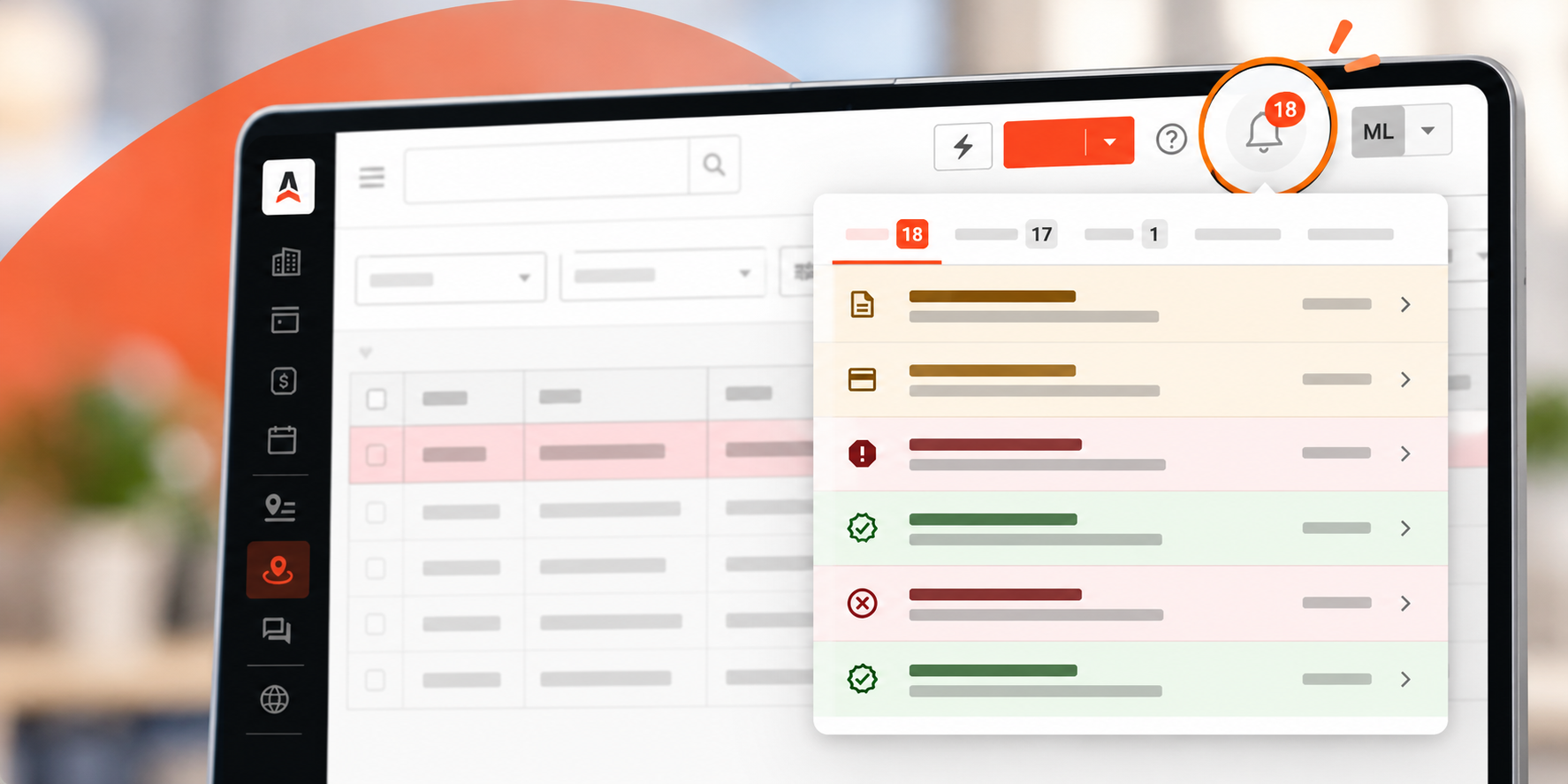
- Clearer booking attribution. The Marketing Funnel’s Closed By grouping identifies bookings attributed to the chatbot. Reporting details.
How the chatbot fits into Lead Quote Close
Lead Quote Close, or LQC, brings together lead capture, quoting, and sales follow-up. Its broader tools include website forms, configurable pricing, and automated follow-up messages. The AI Sales Agent provides a conversational way for customers to engage with that process.
The chatbot can answer questions using your company information and FAQ content, provide quotes, and support reservations, as described in the Addons chatbot release notes. Your setup determines the information available to it and how you want inquiries handled.
AI Sales Agent
The customer-facing conversation: answers relevant questions, gathers trip details and guides the next step.
Lead Quote Close
The sales workflow underneath: configured pricing, lead management, follow-up and booking attribution.
01 / HOW IT WORKS
What happens during a customer conversation
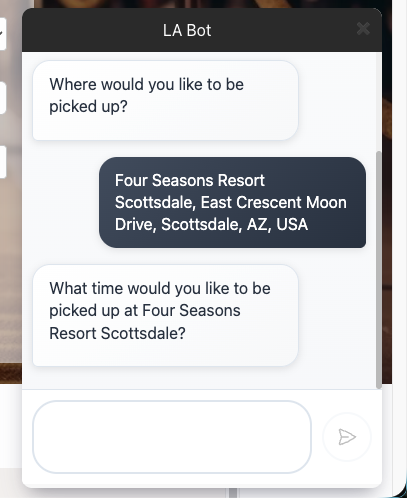
A question starts the quoting process
A customer might begin with, “How much is a ride from the airport to my hotel?” The website chat assistant recognizes pricing questions and starts building a quote. It can also address questions about the developing trip, such as adding a stop, while retaining the customer’s place in the conversation. These refinements are covered in the October 8 Addons update.
Think about the information your team would need for that request: the pickup and destination, travel date, time, and passenger needs. Use those familiar situations when testing the experience so you can see whether customers have a clear route to an appropriate quote.
Your configured pricing supports the quote
The chatbot’s displayed pricing reflects your rate sheets, including applicable distance tiers, fees, and taxes. The July 2 Addons update describes these pricing improvements. Website chat also shows full vehicle names in its choices and trip summaries.
Before launch, compare several test quotes with what your reservations team would charge. Include common airport runs, early pickups, and any services with minimums or special fees. This is a useful way to find configuration gaps before a customer encounters them.
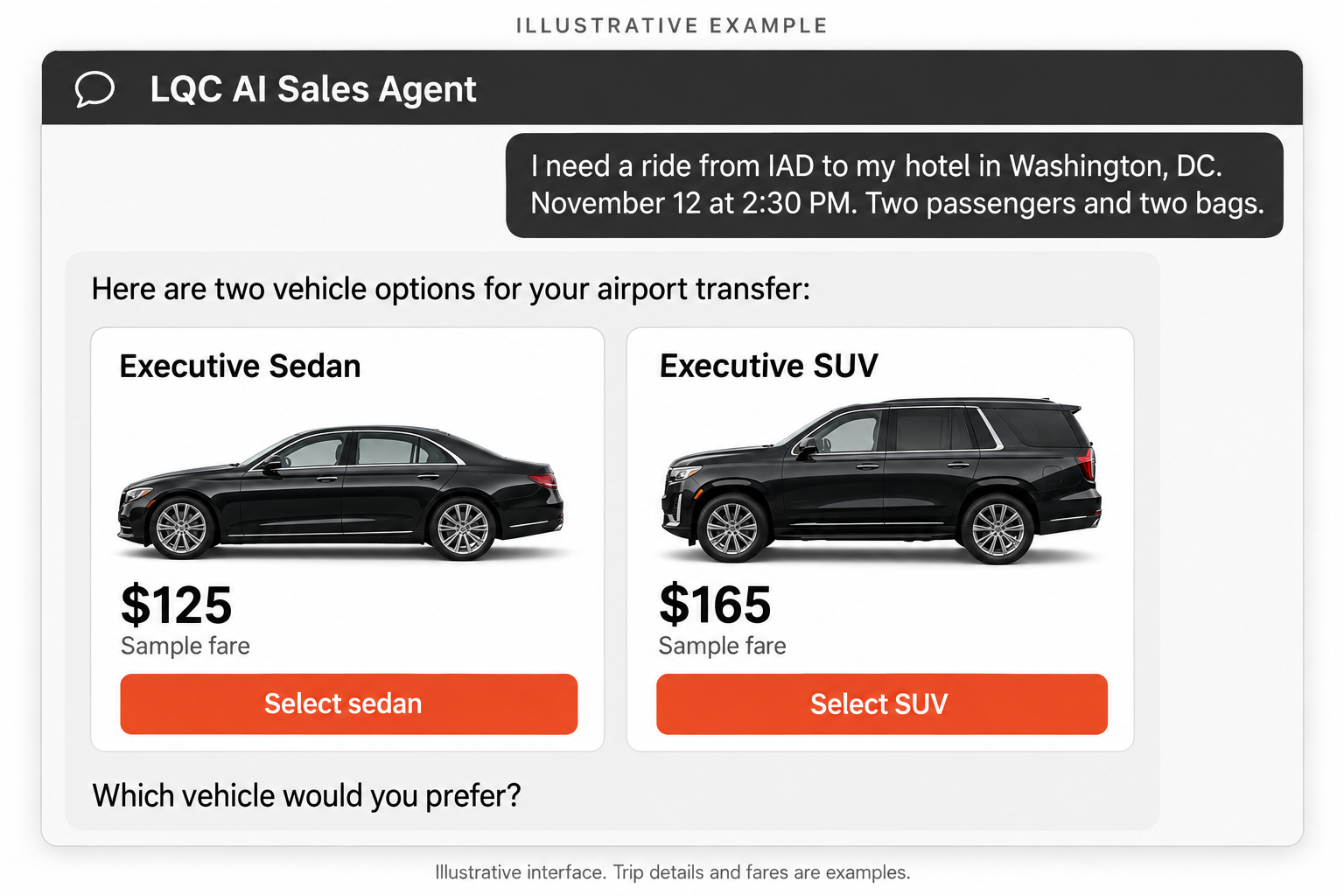
Requests can continue to booking or reach your team
The chatbot supports reservations and human handoff. That gives operators room to decide which inquiries are suitable for the online process and which deserve personal review.
When a conversation creates an LQC lead, your team has a starting point for follow-up. Decide how those opportunities should be handled within your sales process, including who is responsible for requests that remain open.
02 / USE CASES
Five practical use cases for transportation operators
Airport inquiries outside office hours
Consider a traveler arranging next week’s airport pickup late in the evening. The chatbot’s around-the-clock availability lets that visitor begin a pricing conversation while the trip is on their mind.
For operators handling routine future transfers, this gives a prospective passenger a next step even when reservations staff are busy or the office is closed. Focus first on services with established pricing and clear pickup procedures, so the conversation reflects the experience you are prepared to deliver.
Round trips for business and leisure travel
A traveler may need a ride to the airport on Monday and a pickup when they return on Thursday. The chat assistant supports round-trip quoting. When a customer confirms that the return destination matches the original pickup location, that location can carry over automatically, as described in the September 11 Addons update.
For an assistant organizing a business trip, the benefit is being able to work through the outbound and return plans in one conversation. Encourage customers to review both legs carefully, especially when the return pickup or destination differs from the outbound journey.
Questions that customers ask before committing
A customer considering a booking might ask about a deposit, a vehicle amenity, or a company policy. When those details have not been configured, the assistant can route the question to your team.
Use your team’s real questions to build useful FAQ content. Explain service areas, luggage expectations, pickup procedures, and the policies customers need to understand before booking. Keep the answers specific to your company and review them whenever your service changes.
Weddings and group transportation
Operators can configure Route-to-Team Keywords, a Group Size Hand-Off Threshold, and a Team Handoff Message. These controls let selected inquiries reach staff for review, including weddings, coaches, charters, and large groups.
For example, if you want wedding inquiries reviewed by staff, add wedding to your route-to-team keywords. Write a message that explains the next step, then assign responsibility for responding. Your specialist can discuss pickup locations, schedules, and vehicle requirements with the customer.
Service pages and seasonal campaigns
LQC’s website embed configuration can associate a chatbot with a particular page. Multiple chatbot configurations are also supported for different websites or purposes.
Consider how you would use that flexibility on an airport transportation page, a corporate travel page, or a holiday event campaign. Match the information and response approach to the service being promoted. A visitor considering a simple transfer and an organizer planning a company celebration may need very different next steps.
Looking at the broader conversion workflow? Explore Lead Quote Close
03 / GETTING READY
Prepare the chatbot around your operation
A useful launch begins with decisions about your service and your sales process. Work through these steps with the people who handle reservations.
- Check the pricing you intend to offer. Choose a small set of representative trips and compare the quotes with your expected charges. Resolve differences before expanding to more services.
- Prepare clear company information. Give customers direct answers to frequent questions. Use the same approved service descriptions and policies that your reservations team relies on.
- Decide who handles exceptions. Choose the inquiries your staff should review, identify the person or queue responsible, and make the handoff message reflect your actual response hours.
- Connect the experience to the right pages. Configure your chatbot in Addons, then manage website placement through Lead Quote > Embeds. Each embed configuration links a page to the selected form and, where applicable, chatbot.
- Test the complete customer journey. Check desktop and mobile experiences, a typical quote, a question about your service, and a request that should reach your team. Verify what your team receives and what the customer sees next.
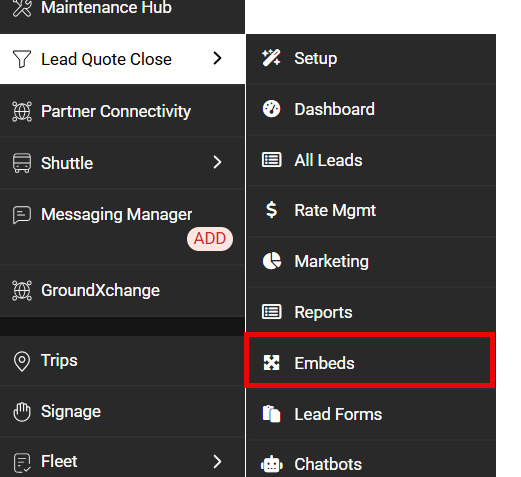
For the website installation steps, see our guide to Adding a Lead Form to Your Website. It explains the shared embed code and how to choose the configuration that appears on each page.
04 / MEASURING RESULTS
Measure progress from conversations to bookings
LQC’s Marketing Funnel includes a Closed By grouping that identifies bookings attributed to the chatbot and other closing paths.
Use that reporting alongside conversation reviews and your team’s follow-up records. Useful questions include:
Conversion
Which conversations move to a quote or a completed booking?
Team response
Which inquiries need staff attention, and how quickly does someone respond?
Answer quality
Which repeated questions suggest that your website or FAQ content needs improvement?
The next step
Where do customers stop, and what would make the next step clearer?
Track bookings attributed to the chatbot alongside your overall quote-to-booking conversion and revenue. Review conversations that need staff attention so you can improve both the information customers receive and the follow-up process.
05 / COMMON QUESTIONS
Frequently asked questions
These are some of the questions worth discussing when deciding how the AI Sales Agent should fit your existing sales process.
Does the chatbot replace our reservations team?
No. It helps with routine website conversations, quotes and reservations. You can configure keywords and a group-size threshold to route selected inquiries to your staff. Complex or high-touch requests should still have a clear human follow-up process.
How does it know what price to quote?
The quoting experience relies on your configured pricing and rate sheets in Lead Quote Close. Before enabling it, test representative trips against the prices your reservations team expects, including relevant taxes, fees and service-specific rules.
Can we use it on selected website pages?
Yes. In the documented website embed workflow, each configuration associates a webpage URL with a selected form and, where applicable, chatbot. This lets you decide which experience belongs on each page.
How do we know whether the chatbot closed a booking?
In LQC, open Marketing > Funnel and use the Closed By grouping. It separates chatbot-attributed bookings from bookings closed through staff, follow-up messages and other supported paths.
PUT THE EXPERIENCE TO WORK
Explore the right setup for your business
See how the LQC AI Sales Agent could support your most common requests, and discuss the configuration that fits your operation.
Already using LQC? For help with configuration or website deployment, email support@limoanywhere.com.