Limo Anywhere / Lana
Your AI assistant for daily operations
Lana, Limo Anywhere’s AI assistant, is now available to customers across Core, Plus and Black. Built into AddOns, Lana helps your team find answers in its own business data, work through setup and prepare changes for approval.
Start with the work already on your desk. You might need to understand last month’s results, work through a quoting question or improve a passenger reminder. Lana lets you bring those questions into a conversation using everyday language.
Take a closer look at Lana
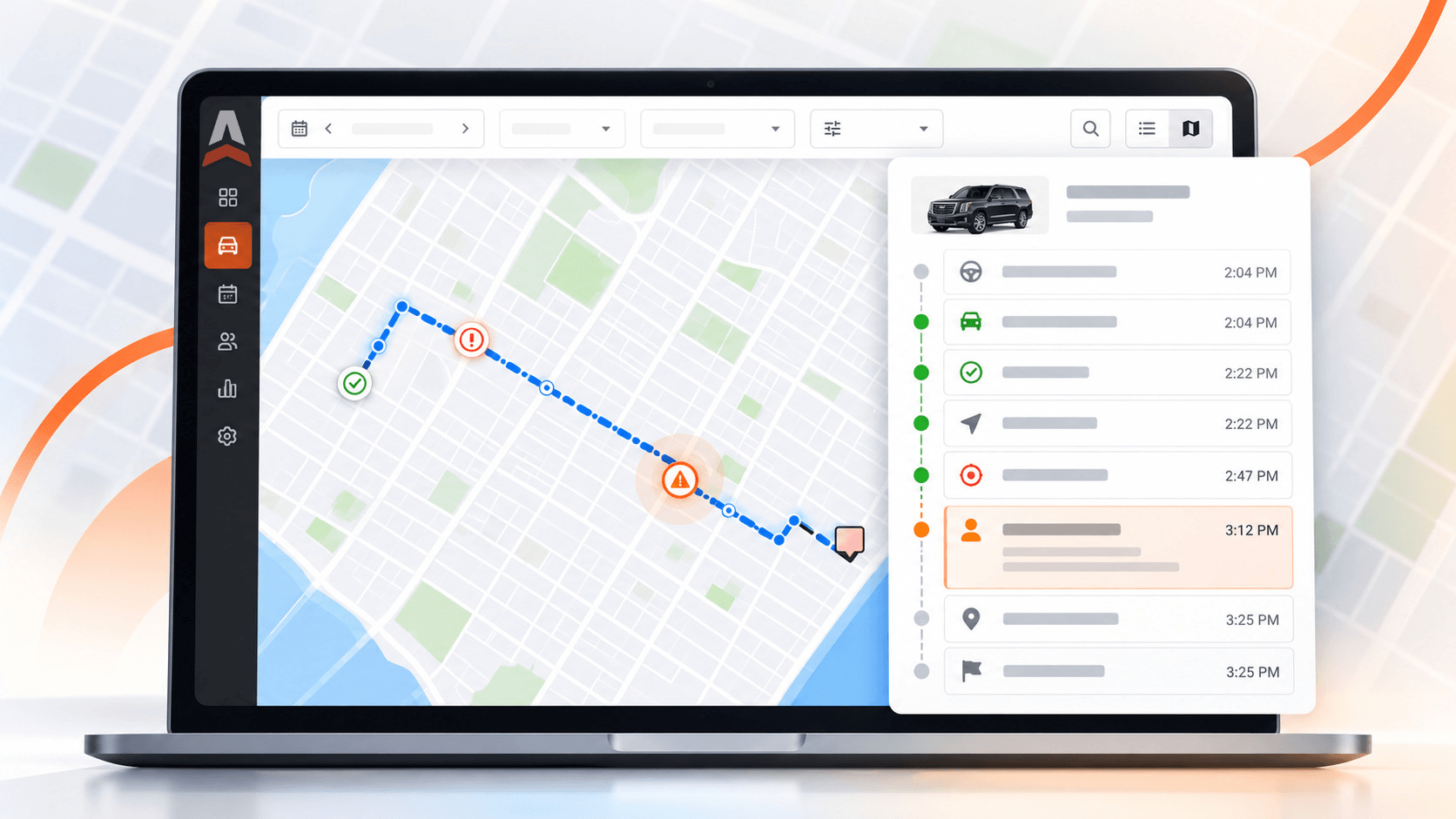
Lana 2.0 interface previews: ask for help, revisit a conversation and review a proposed change.


Find answers in your own business data
Lana can help you explore trips, revenue, customers, leads and bookings, with records and reports behind the answers. You could ask:
- “Show my trip revenue by vehicle for last month.”
- “Which leads did not receive an instant price?”
- “Help me understand what happened on this trip.”
With the relevant features enabled, Lana can also help investigate a QuickBooks sync issue or a missed driver wake-up call.
Get help with online quoting and rates
For companies using Lead Quote Close, Lana can check setup, identify missing pieces and prepare rates or booking-form changes. Describe your pricing or attach a rate sheet, then review what Lana proposes. You can also ask how a quote was calculated or what prevented a customer from getting a price.
Use the explanation to work through a pricing issue or finish the setup needed to quote online.
Improve the messages your customers receive
Lana can review Limo Anywhere email and text reminders, including pickup, trip-status and invoice messages. Ask for revised wording, different timing or recipients, or a check for duplicate reminders. For Passenger Link users, Lana can investigate whether a tracking link was sent or opened and prepare settings changes.
A request such as “Review our pickup reminder and suggest clearer wording” gives you a practical first task with a result your team can assess.
Review every proposed change before it is applied
When you request a supported change, Lana prepares a change request showing what will be updated. An administrator or another authorized approver decides whether to apply it. Approved changes can be reverted.
That review step gives you room to check the details, ask another question and decide whether the proposed change fits your operation.
-
AskDescribe the change you want Lana to prepare.
-
ReviewCheck the proposed update before anything goes live.
-
ApplyAn authorized person decides which changes to apply.
How to access Lana
- Sign in to Limo Anywhere and open AddOns.
- Select Lana in the AddOns left menu. Administrators can choose Chat with Lana; team members with permission can open Lana directly.
- Start with a question about a task, trip or setting.
- Administrators manage individual access under Lana Settings > Access, role permissions on the Roles page, and plans and usage under Lana Settings > Spending.
If Lana is missing from your menu, email support@limoanywhere.com for help enabling it.
Capabilities depend on the products and features enabled in your account. Online quoting tasks, for example, require Lead Quote Close.
Usage and plans
Until December 1, 2026, every company has $10 of Lana use per month at no charge. Starting December 1, 2026, continued usage requires a monthly plan.
The entry plan provides $20 in monthly usage and costs $20 for Core, $18 for Plus or $16 for Black. Plans renew on the first of each month. Unused monthly plan usage does not roll over, but separate promotional or support-issued Lana credit carries forward until its expiration date. Plans purchased midmonth provide the full usage amount and are not prorated. Review current options and billing details in Lana Settings > Spending or in the Lana guide.
Start with one question
Choose one task your team is already working on and bring it to Lana. Start small, explore the answer and review any proposed changes. That is a practical way to see where Lana can help in your daily work.