Managing Internal Communication with Memos
Clear communication keeps your team running smoothly, and Memos give you a consistent way to keep everyone aligned. Instead of relying on emails that get buried or quick conversations that don’t always stick, Memos make sure important information is visible to the people who need to see it.
Whether you're letting your reservationists know a vehicle is currently out of service, flagging a busy weekend, or sharing scheduling updates, Memos help ensure those details show up where your team is already working.
In this blog, we’ll walk through how to configure and use Memos in Limo Anywhere, along with a few practical ways to use them in your operation.
Creating a Memo
- Click the "Memos" icon in the navigation bar.

2. On the Memos screen, you’ll see your current memos listed on the right-hand side. From here, you can mark memos as done or delete them as needed.
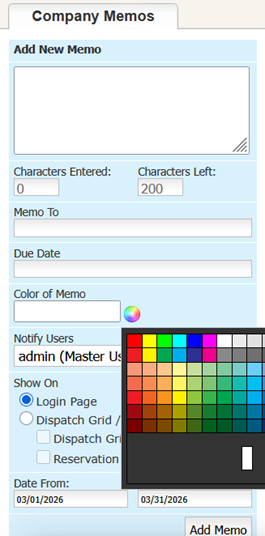
3. To create a new memo, enter your message in the "Add New Memo" field (200-character limit).
4. (Optional) Use the "Memo To" field to target specific users or teams (Example: "Dispatch Team" or "Peter Parker"). If left blank, the memo will default to "Everyone."
5. (Optional) Set a Due Date. If left blank, the system will default to the date the memo is created. The due date appears at the top left of the memo.
6. Choose a color using the selector next to "Color of Memo."
7. Use the "Notify Users" dropdown to control who sees the memo.
8. Select where the memo should be displayed:
Login Page

Dispatch Grid

Reservation Form

2. Set the display window using the "Date From" and "Date To" fields.
3. Click "Add Memo" to save and publish it.
Practical Examples
- Vehicle Maintenance Updates
Notify your team when a vehicle is out of service so it doesn’t get assigned or double-booked.
- Busy Reservation Periods
Flag high-demand days and reinforce the need to confirm vehicle availability before booking.
- Chauffeur Scheduling Notes
Call out extended absences or coverage gaps so dispatch can plan ahead and confirm alternate chauffeur availability.
- General Team Reminders
Share quick updates like holidays, policy reminders, or internal events.
Memos are flexible by design. If your team needs to know something, this is one of the fastest ways to communicate it without adding extra steps or relying on separate tools.
If you’re already using Memos in a way that’s working well, we’d love to see it. Share your approach in the Limo Anywhere Peer Support Group on Facebook.
If you need help getting things set up, reach out to Support at (972) 701-8887 (Option 2) or email Support@LimoAnywhere.com.
Recent Posts
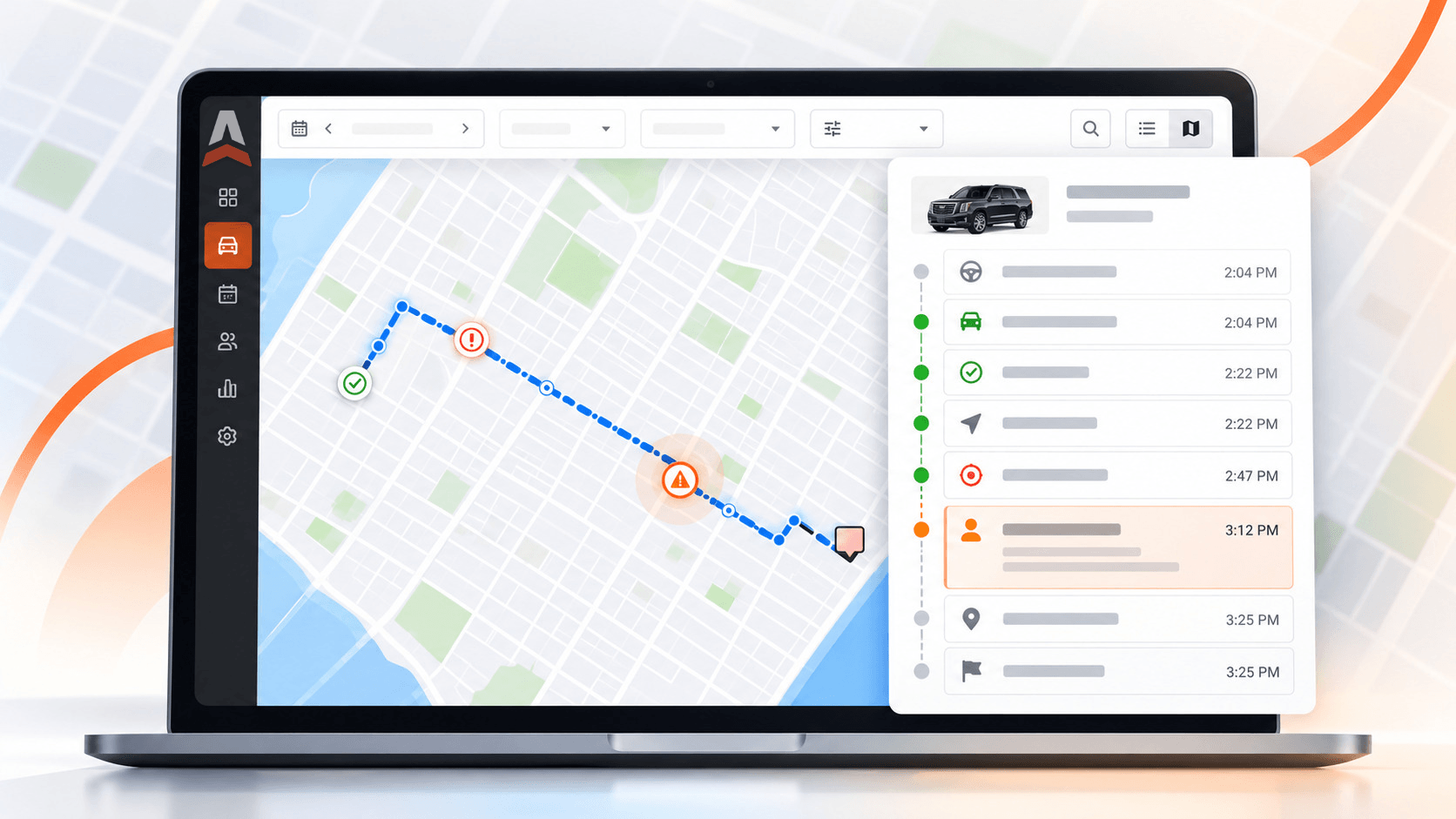
Introducing Trip Timeline: See When and Where Each Trip Step Happened
Thursday October 22, 2026
Holiday Taxis Integration
Wednesday October 21, 2026