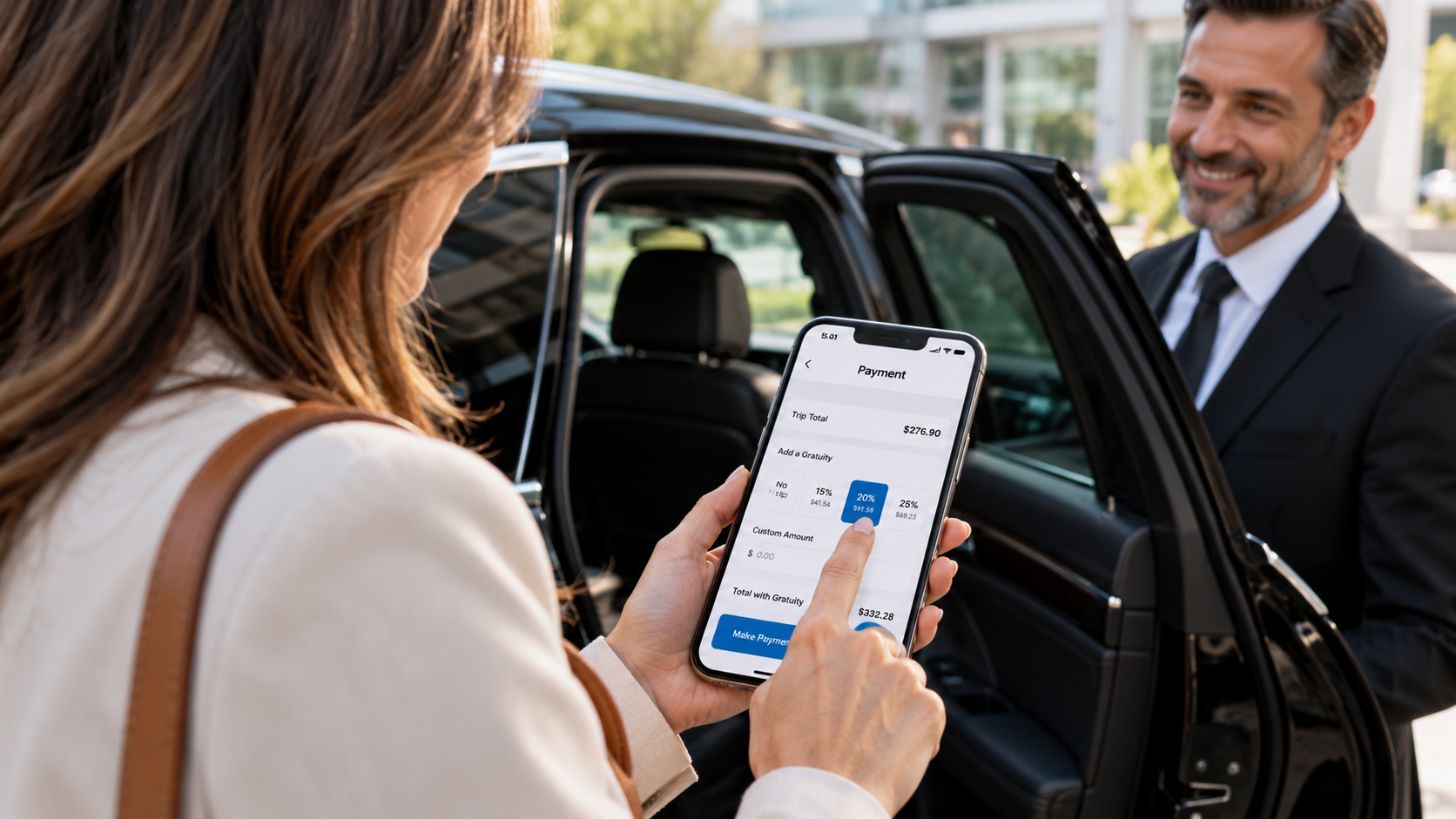
From Dispatch to Drop-Off: See Limo Anywhere in Action
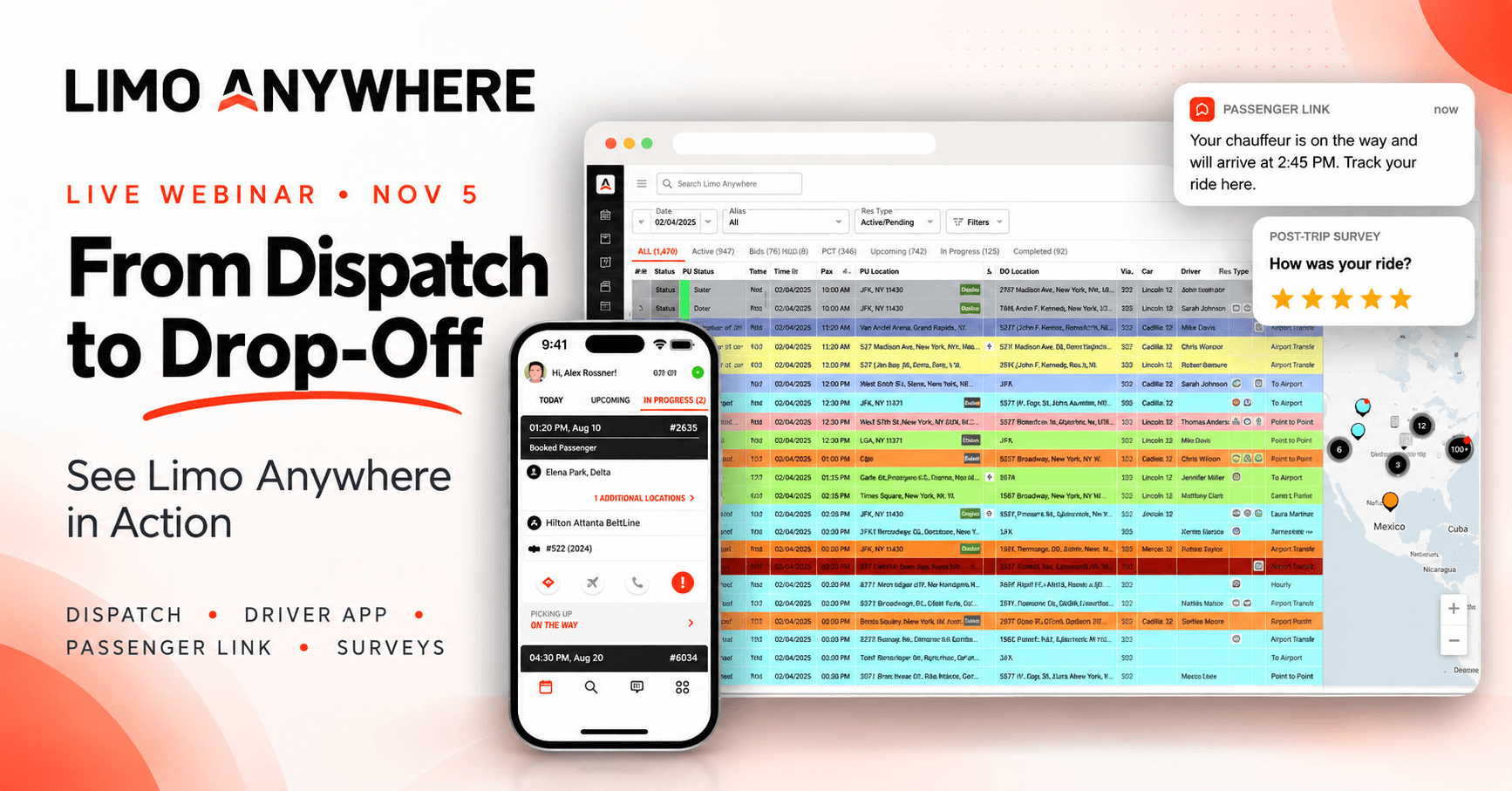
From dispatch to drop-off, every handoff in sync.
Join Taylor Latour for a practical look at dispatching a trip, updating its status in DriverAnywhere, communicating with passengers, and collecting post-ride feedback—all within the Limo Anywhere workflow.
Live product demo
Open Q&A

One trip. Four connected moments.
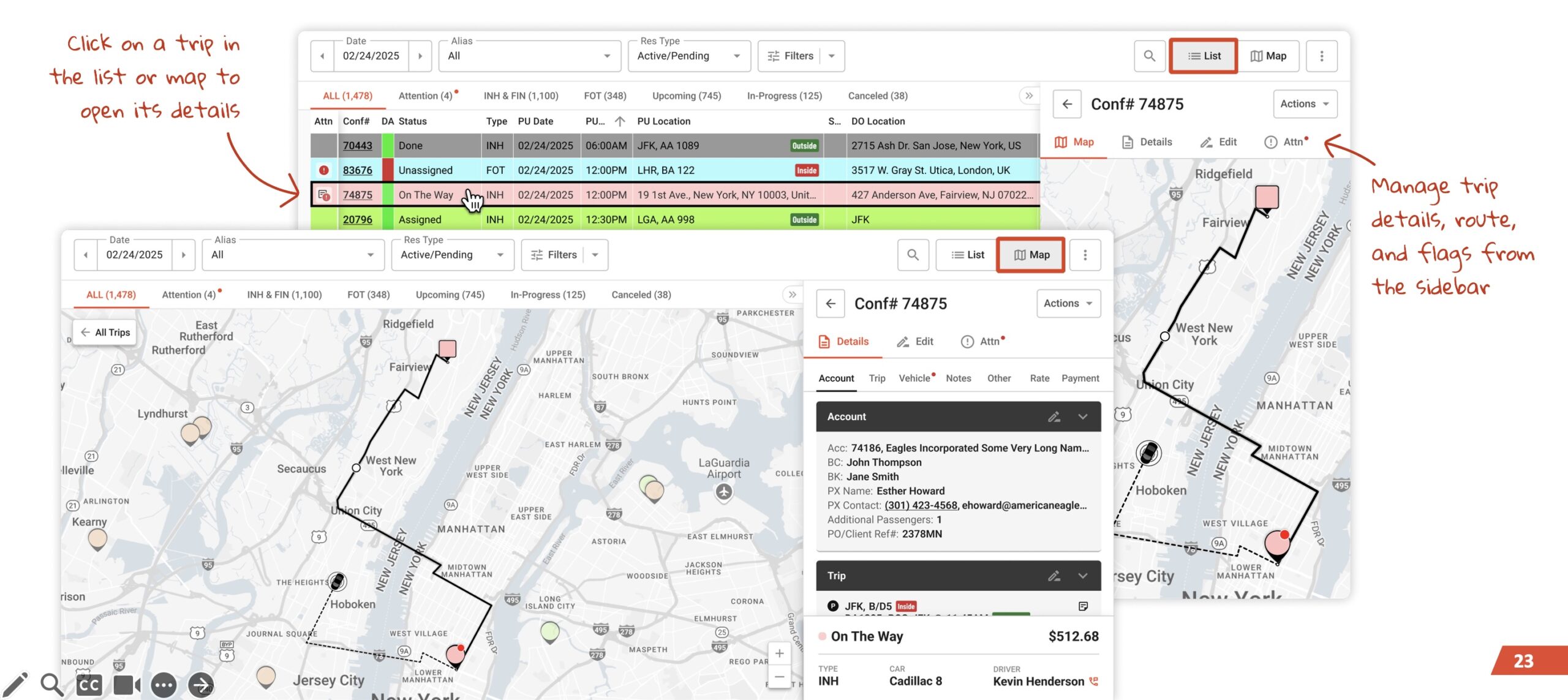
Follow how a reservation can move from dispatch to the driver, the passenger experience, and post-trip feedback, using practical examples from Limo Anywhere.
-
01 · DISPATCH
Assign the trip
Move a reservation from the dispatch grid to the right chauffeur inside Limo Anywhere.
-
02 · DRIVER
Run the ride
See what lands in DriverAnywhere and how status updates flow back to the office.
-
03 · PASSENGER
Keep riders informed
Watch Passenger Link send automated trip updates by text—as part of the passenger experience.
-
04 · AFTER THE RIDE
Hear how it went
Close the loop with Passenger Surveys and turn feedback into better service.
Real workflows, in context.
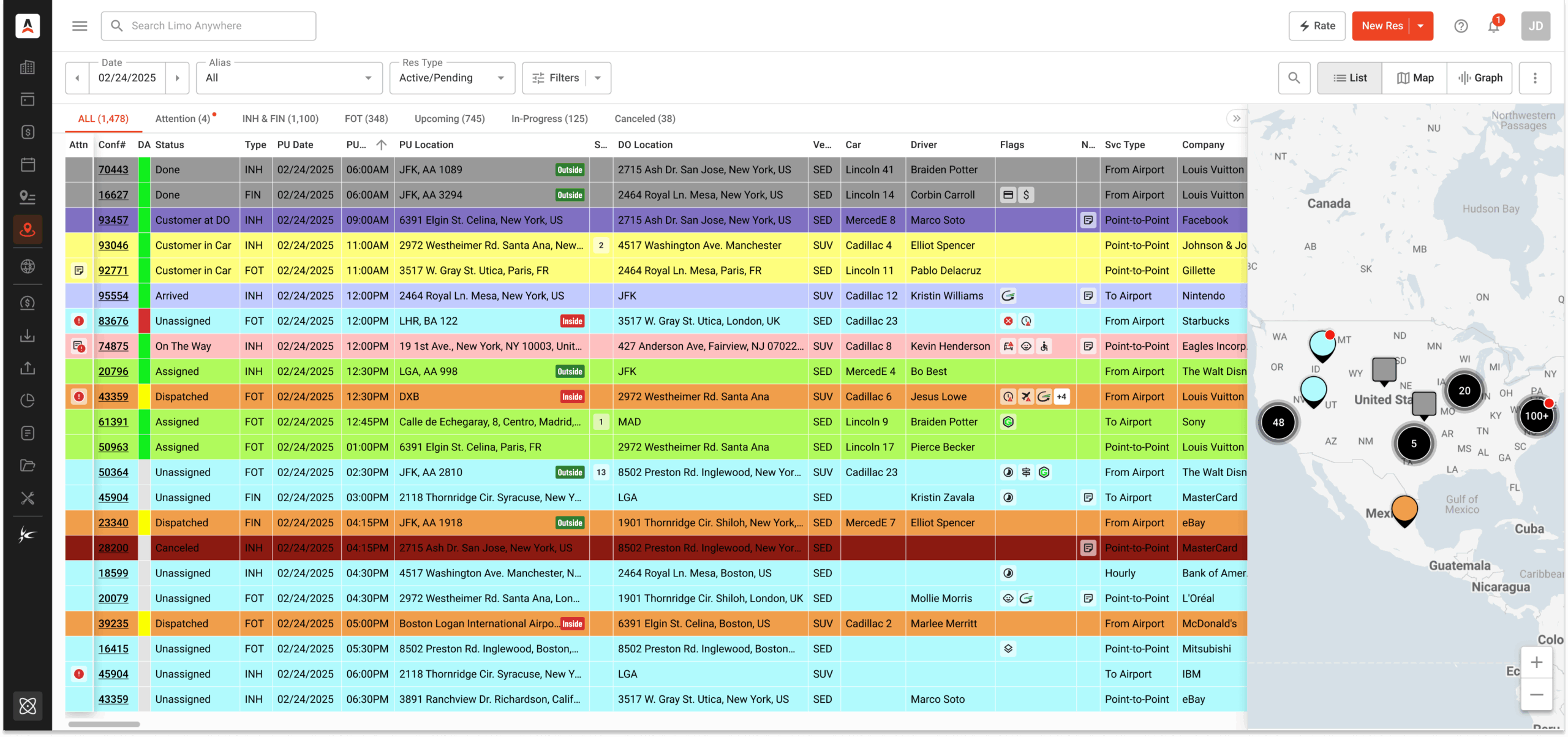
Taylor plans to demonstrate trip dispatch, DriverAnywhere status updates, Passenger Link messaging, and Passenger Surveys. The redesigned Dispatch Grid shown here is a useful look at the broader dispatch experience.
Explore the redesigned Dispatch Grid ↗
- A trip assigned to a driver, including what the driver sees in the mobile app
- Passenger communication and post-trip feedback, shown as part of the service journey
- Where Plus adds value, with a look at further options available in Black

How Plus and Black build on Core.
See how the capabilities in this session connect to your existing workflow—and which additional options may be worth exploring.
Core
Everyday reservations and dispatch.
- Reservations
- Dispatch
- DriverAnywhere app
Plus
A better passenger experience.
- Everything in Core
- Passenger Link automated SMS
- Passenger Surveys
Black
Advanced operations at scale.
- Everything in Plus
- Advanced dispatch tools
- Expanded operational visibility
Features and package availability are subject to your subscription and configuration; Taylor can clarify options during the session.
Built for the people who own the ride.
-
Owners & operations leads
Decide whether Plus or Black is the right next step for your business.
-
Dispatch & reservations teams
See how assignments, driver updates, and passenger texts connect.
-
Core customers
Get more out of the platform you already use every day.

Taylor Latour
Account Executive, Limo Anywhere
Taylor works with transportation operators every day on reservations, dispatch, and passenger communication—and brings those conversations straight into the demo.
Questions for Taylor are welcome during the session.
Good to know before you join.
Is the webinar free?
Yes. Registration is free and open to all Limo Anywhere customers and their teams.
How do I join?
The session runs on Microsoft Teams. Once you register, you’ll receive the join link—no download needed if you join from your browser.
Do I need to be on Plus or Black?
Not at all. The session is built with Core customers in mind, so you can see what Plus and Black add before making any decisions.
Recent Posts
From Dispatch to Drop-Off: See Limo Anywhere in Action
Wednesday October 21, 2026
How the LQC AI Sales Agent Helps Turn Website Questions Into Bookings
Tuesday October 20, 2026